Adobe is revolutionizing its Firefly suite of AI-powered video creation tools with a major update focused on enhanced editing capabilities and precise motion control.
In this significant upgrade to its generative video technology, Adobe has improved editing precision and motion accuracy while boosting video quality within Firefly Boards. The company also announced the general availability of the Firefly Video Editor beta, positioning it as a new "creative assembly space" for generative AI storytelling.
These enhancements coincide with a limited-time promotion offering existing subscribers unlimited access to both Firefly's video generation models and all image generation models across the platform.
For professional creators, one of the most impactful additions in today’s release is the introduction of more refined editing controls. Adobe is integrating new “prompt-based editing” features into its AI video generator, enabling users to make fine-tuned adjustments directly on generated videos without starting over.
The company aims to solve a common challenge in AI-generated video: a scene may be mostly accurate—such as a café setting—but contain an unwanted object that disrupts the vision. Traditionally, fixing this would require regenerating the entire clip, risking loss of desired elements. With the updated toolset, users can now precisely remove or modify specific components using Runway AI Inc.'s Aleph video model.
By entering simple text prompts like “remove the person on the left side of the frame” or “change the sky to cloudy,” creators can instantly alter their footage. Commands such as “slightly zoom in on the main subject” are also supported, allowing real-time scene direction rather than repeated regeneration attempts.
Beyond granular edits, Adobe has introduced a Camera Motion Reference workflow. This feature lets users upload a starting frame along with a reference video demonstrating the intended camera movement. The AI then generates the full scene with matching cinematic motion, significantly reducing time spent on trial-and-error adjustments.
Enhanced Video Quality
Creatives seeking smoother, higher-quality output will benefit from Topaz Astra, a new upscaling tool now available first within Firefly Boards—an AI-native workspace designed for real-time ideation, iteration, and collaboration.
Topaz Astra enables users to upscale low-resolution clips to crisp 1080p or 4K quality suitable for public sharing. It can also restore older, lower-quality footage by enhancing sharpness and detail, making it appear as if shot on modern camera equipment.
Additionally, Firefly Boards is introducing FLUX.2, the state-of-the-art image generation model from Black Forest Labs Inc., known for photorealistic detail, advanced text rendering, and support for up to four reference images simultaneously. FLUX.2 is now accessible across Firefly Boards, Photoshop, and the Firefly Text-to-Image module.
Browser-Based Video Creation
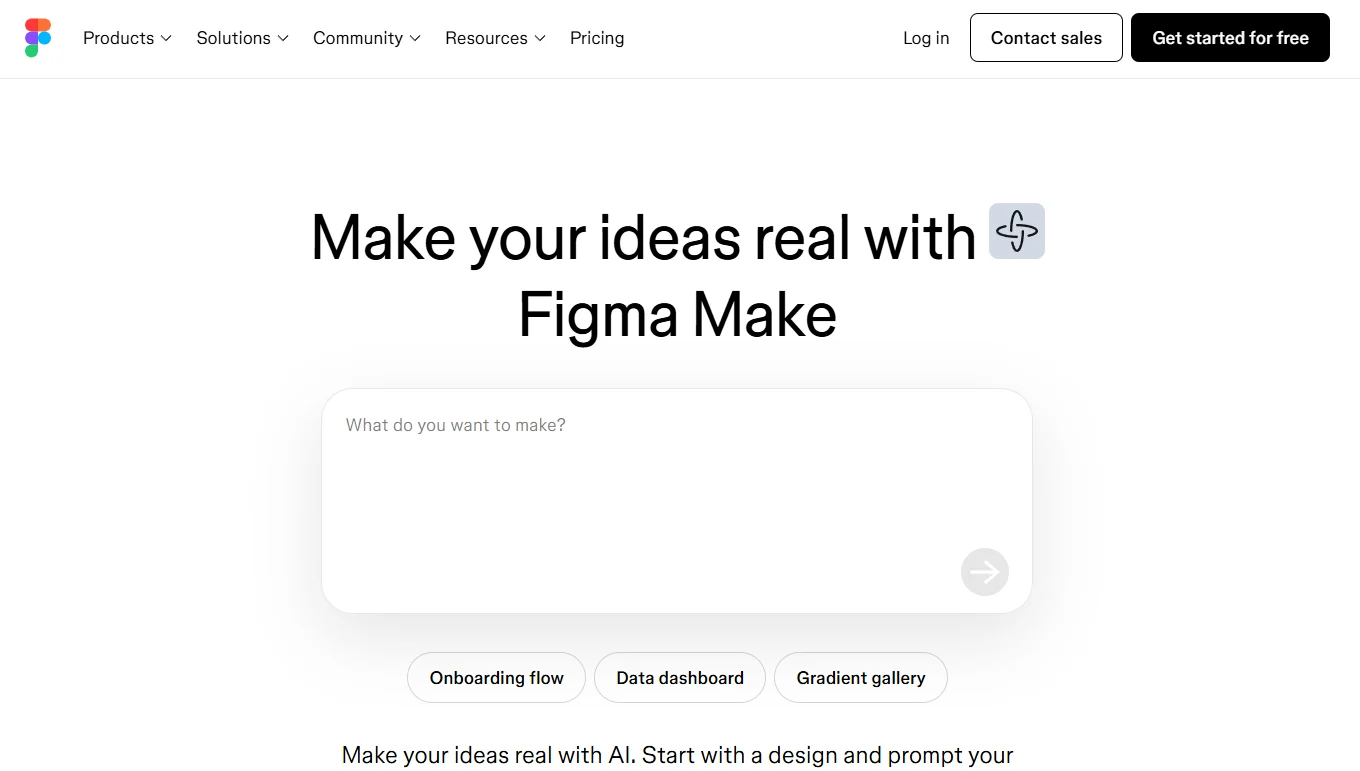
The Firefly Video Editor is a browser-based solution that allows creators to generate and edit videos from any device without installing Adobe’s full desktop applications. Now available in public beta, it supports complete generative workflows, including multi-track timeline editing, music integration, visual effects, and real-time adjustments—all within a lightweight interface.
Subscribers can take advantage of unlimited access to these new video generation tools during Adobe’s time-limited promotional period, running through January 15. Customers on Firefly Pro, Firefly Premium, or individual plans with 7,000 and 50,000 credits will enjoy unrestricted image and video generation within Adobe Firefly apps.
This offer extends to every available model in Firefly, including Adobe’s native models as well as third-party integrations such as FLUX.2, Google LLC’s Nano Banana, and OpenAI Group PBC’s GPT-Image model.